
Interactive web app that helps users discover books and save personalized reading lists.
NextPage is a web application built to help users discover books and keep track of what they want to read. The goal was to move beyond a static website and create something interactive, allowing users to browse books, receive recommendations, and save selections for later.
This project started with identifying the core features needed for a simple and reliable support system. The focus was on creating a clear structure that would allow users to submit requests and track their status without unnecessary complexity.
The core of the application is built around the Google Books API, which provides dynamic access to book data. This allowed the site to move beyond static content and display real-time information based on user interaction.

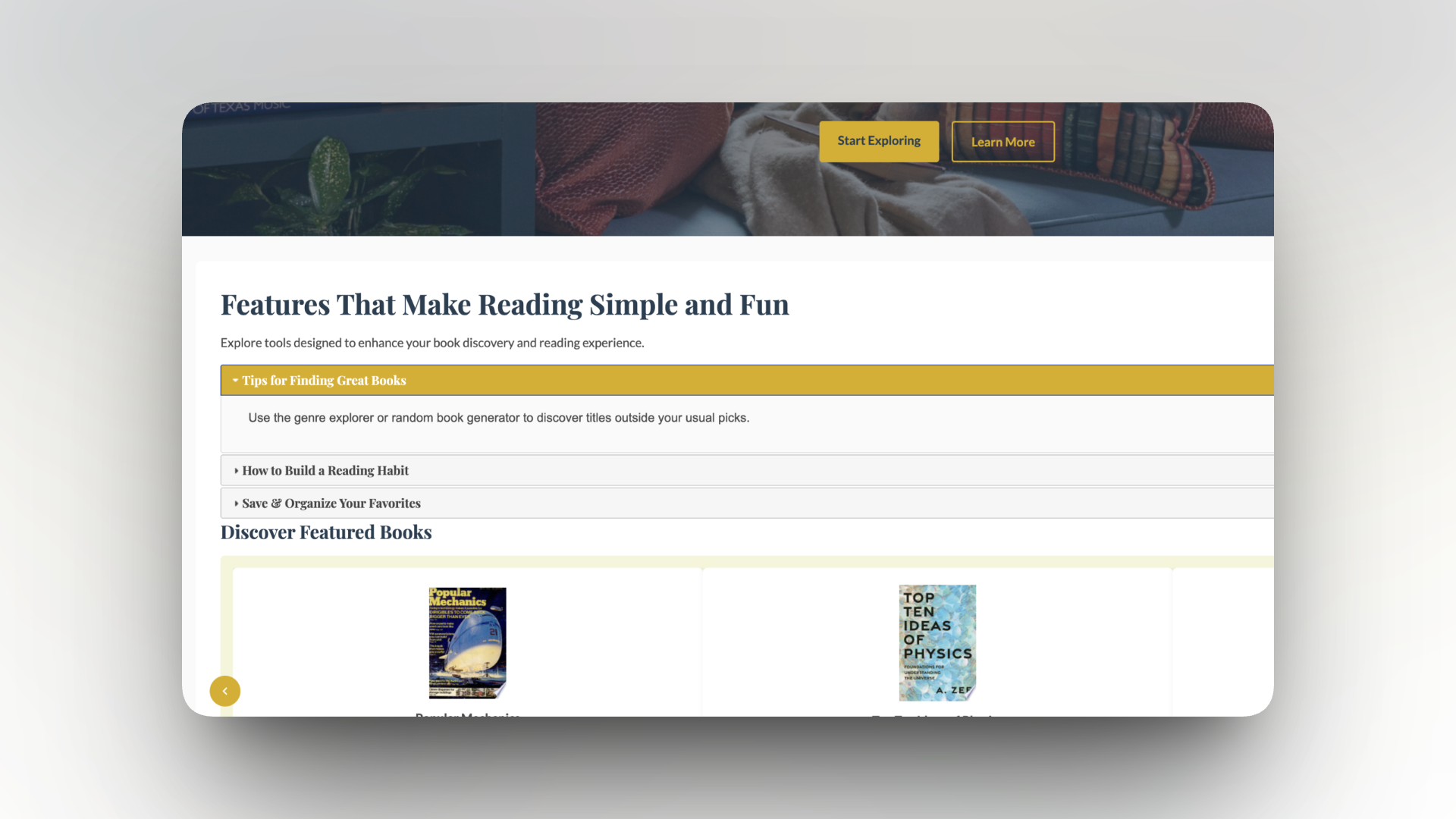
To make the experience more engaging, I implemented interactive elements using jQuery and jQuery UI. This includes an accordion for reading tools and a carousel for featured books, allowing users to explore content in a more structured way.
To give users a sense of ownership over their experience, I used localStorage to store selected books. This allows users to return to the site and still access their saved reading list without needing an account system.

The final application allows users to browse books, receive recommendations, and save selections to a personalized reading list. This project demonstrates my ability to work with external APIs, build interactive interfaces, and manage user data within the browser. It also strengthened my understanding of how front-end functionality and user experience need to work together in a dynamic application.
